Tag: photoprism
-
PhotoPrism self-boot
Reading Time: 2 minutesThis morning I made PhotoPrism self-booting. I am not certain that this is the write term so I will specify what I mean. PhotoPrism, when run via docker boots, when we tell it to boot, like any other app on our laptop. This morning, after a little time spent with AI I…
-
Kdrive and PhotoPrism
Reading Time: 2 minutesYesterday I configured PhotoPrism to work with my iPhone photo album that was being synced to Infomaniak’s Kdrive, before then being synced to a drive that I could access via the Photoprism docker-compose config file. I then used No-ip to make that PhotoPrism instance available to the world wide web. For several…
-
Photoprism and Fast Loading
Reading Time: 2 minutesast night I spent hours going through videos and changing them from “public” to private, so that they would be removed from the index. I went through them by loading 2024 without filters and worked my way through 60 or so files at a time, before scrolling, and waiting for content to…
-
PhotoPrism On a Pi Continued
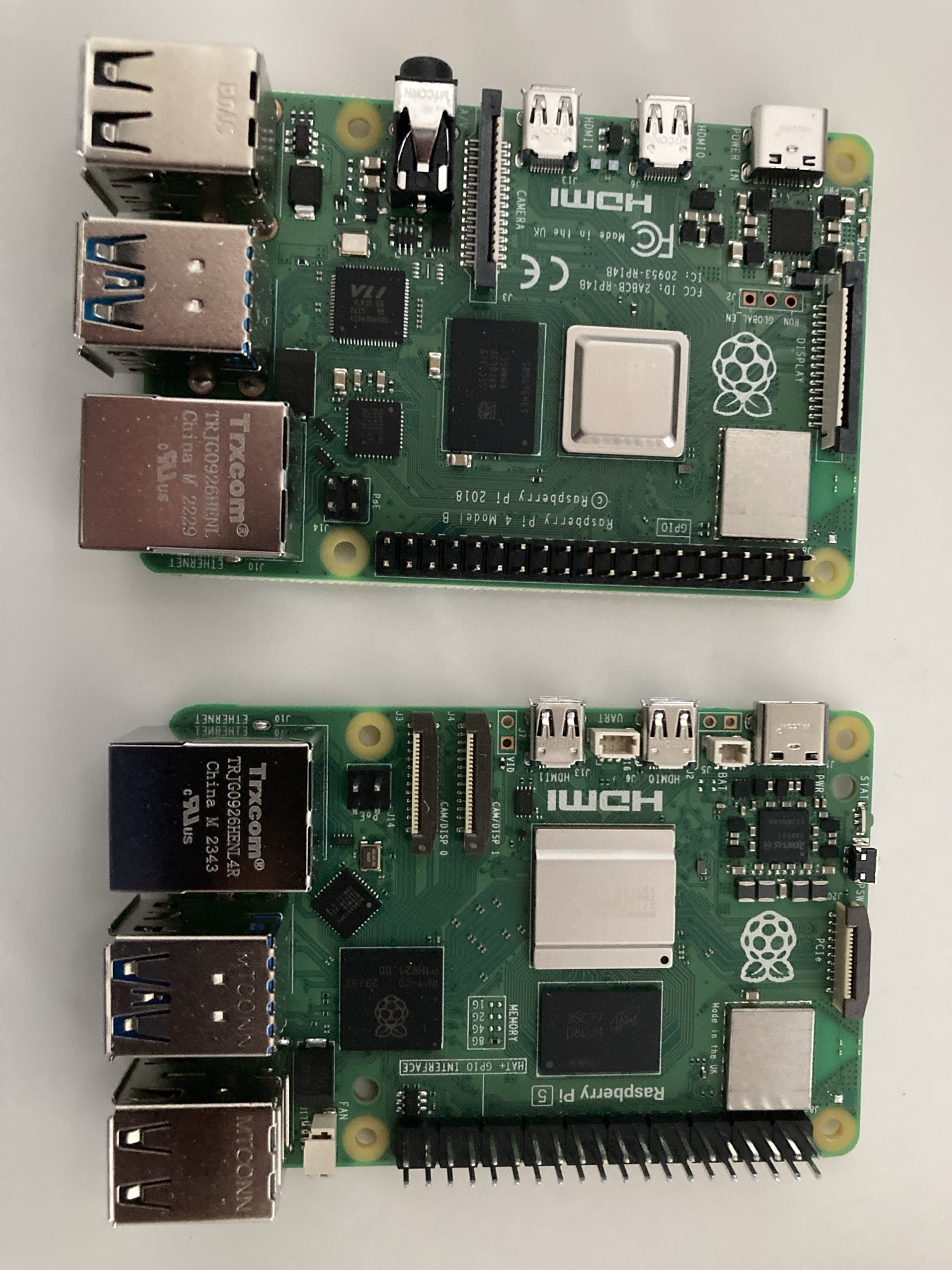
Reading Time: 2 minutesAfter more than a week of working twenty four hours a day my Raspberry Pi 4 finally indexed over 120,000 videos and photos. The first thing that I notice is that Photoprism feels slower now. It takes several seconds and it feels as if it is suffering. ## Overloaded with 120,000 Files…
-
PhotoPrism, Walks in Cold Weather and Migrating to Linux
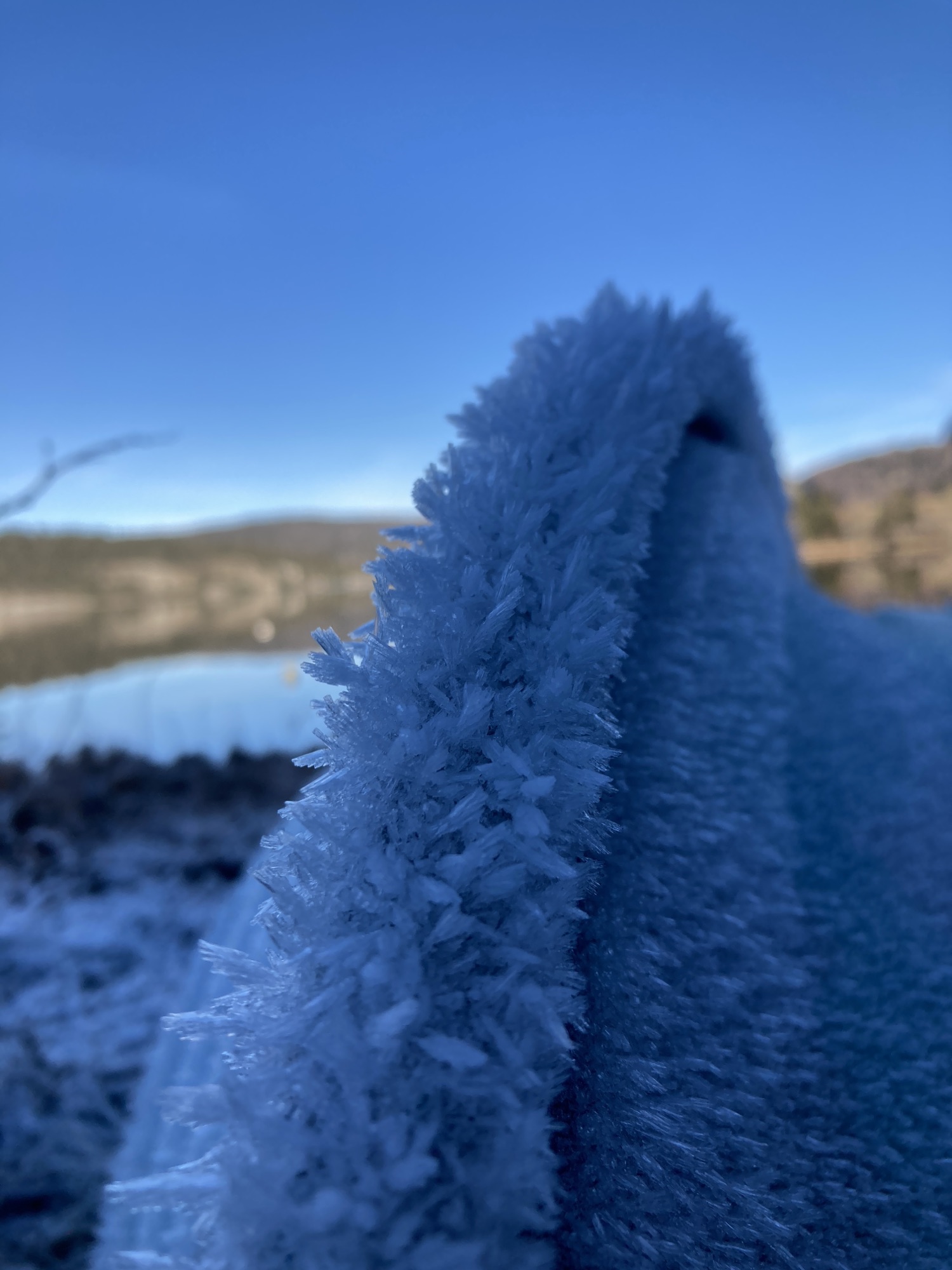
Reading Time: 2 minutes## A Cold Walk Yesterday I went out for my daily walk but within minutes I noticed that my legs felt cold and that I really did need the scarf that I wore. It’s exceptional for me to wear a scarf. My fleece and my inner coat both have neck protection built…
-
Migrating Media Assets from Google Photos to PhotoPrism
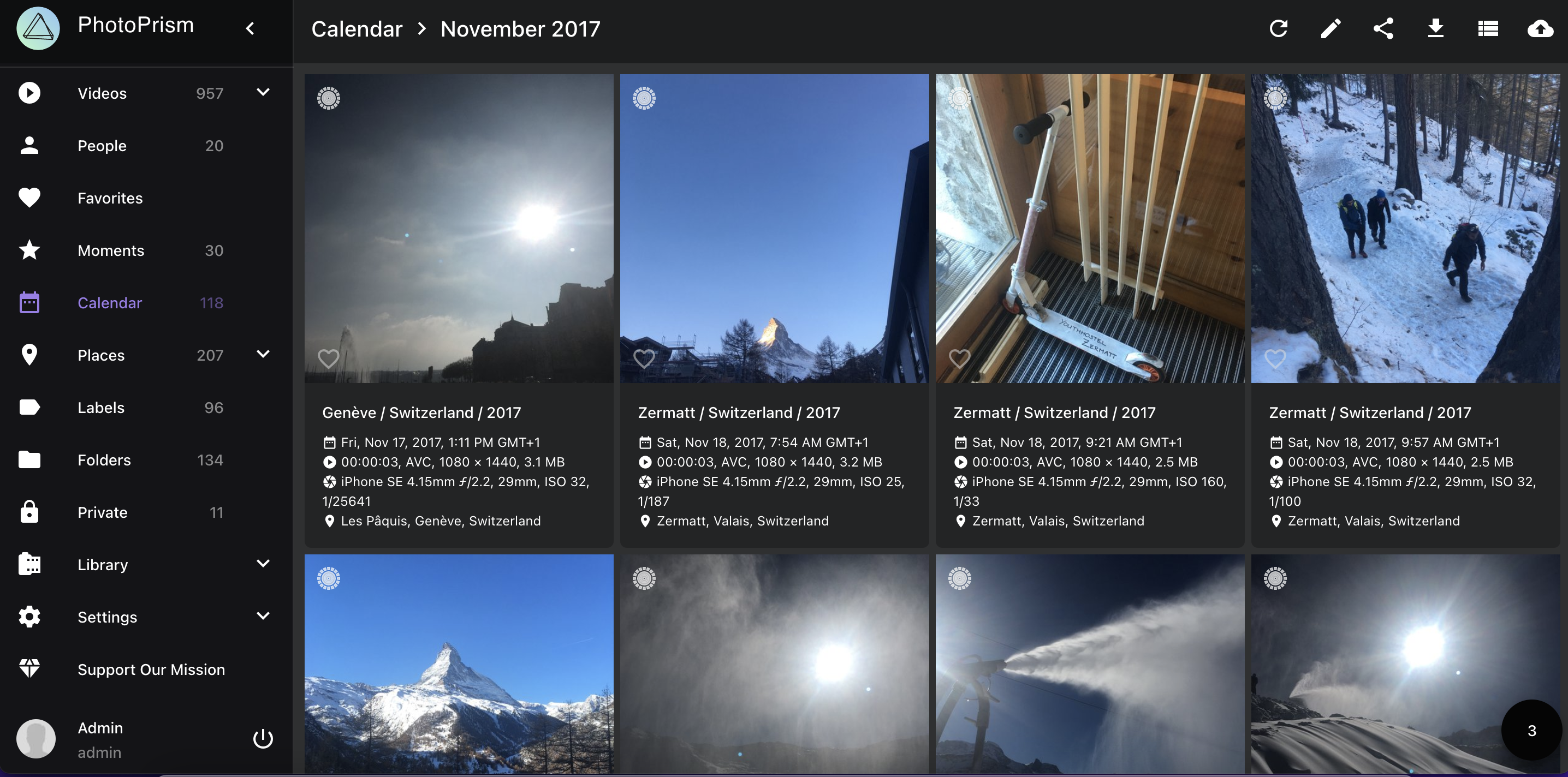
Reading Time: 5 minutesYesterday I started the proper migration of my Google Photo assets from Google Takeout to [PhotoPrism](https://www.photoprism.app/). The first step was to mount the drives to the linux system, the second was to transfer the photos from the external hard drive to the internal SD card, unzip them, and then start imposing assets.…
-
Installing Immich Alongside Photoprism
Reading Time: 5 minutesLast night I installed Immich on an HP laptop with ease. The issue I came up against is that laptops sleep and hibernate after a few minutes unless you are actively using them. This means that you need to use them whilst files are being transferred if you do not want tasks…
-

Experimenting with the Photoprism App
Reading Time: 4 minutesWhile playing with Nextcloud I found a serious flaw. If you add images via the command line from one directory to another, and then delete them, then their ghosts remain in the timeline. By ghosts I mean references to these files in the CMS and there is no quick way of removing…